
Envelope budgeting
Enveloop
Envelopes, not subscriptions
Scan with your iPhone camera
- Price
- Free for 2 weeks · $4.99 once
- Requires
- iOS 18.1 or later
- Version
- 1.8.2, Oct 15, 2026
- Rating
- 5.0 ★ from 5 ratings
- Category
- Finance
About Enveloop
Ditch subscription budgets. With Enveloop, every bill gets its own envelope on your phone. Fill them up each payday, and see at a glance which bills are covered, which are short, and which are past due.
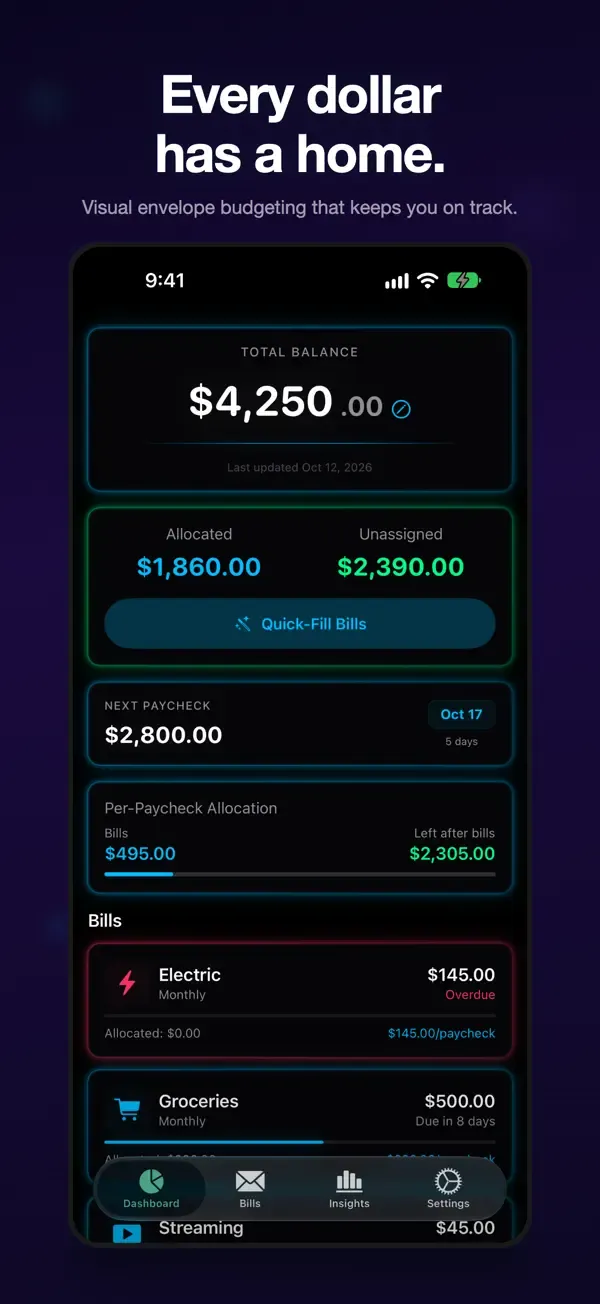
Every dollar has a home
Drop your bills into envelopes. Color-coded lights show which ones are covered, almost there, past due, or still empty. No spreadsheets. No guessing.
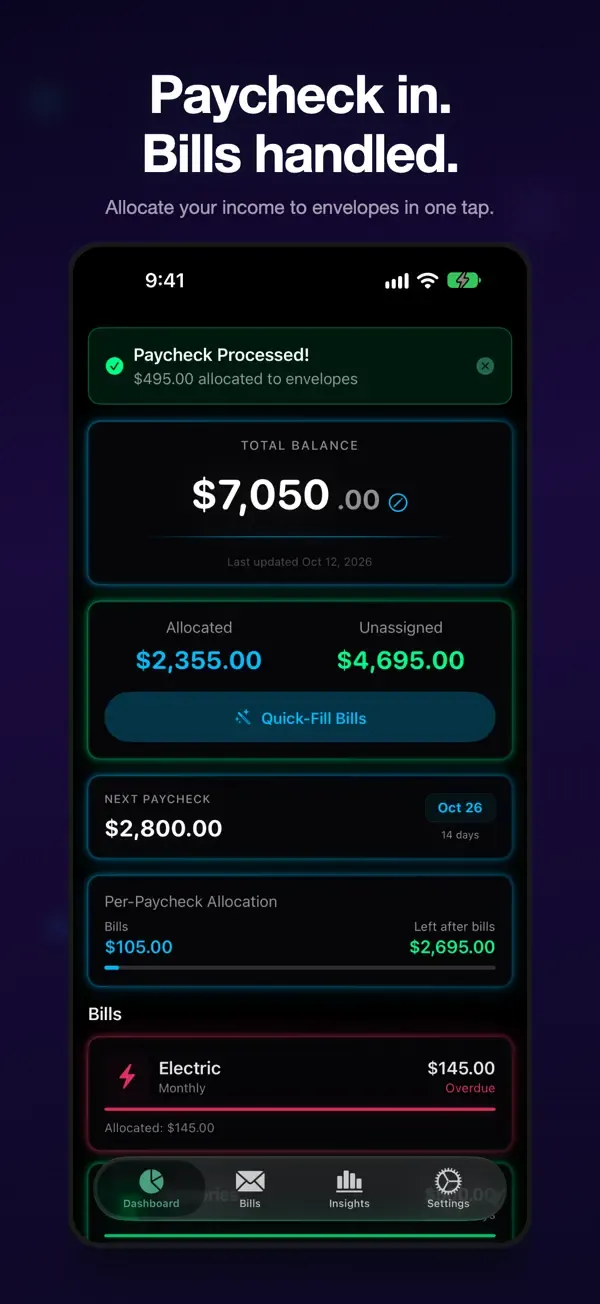
Paycheck in. bills handled.
Tell Enveloop when your paycheck lands. Each payday, it tops up every envelope based on what that bill needs. Set it up once, then forget about it.
See everything at a glance
Got more than one account? Flip between them, or see a running total of your balance and what's left across all of them.
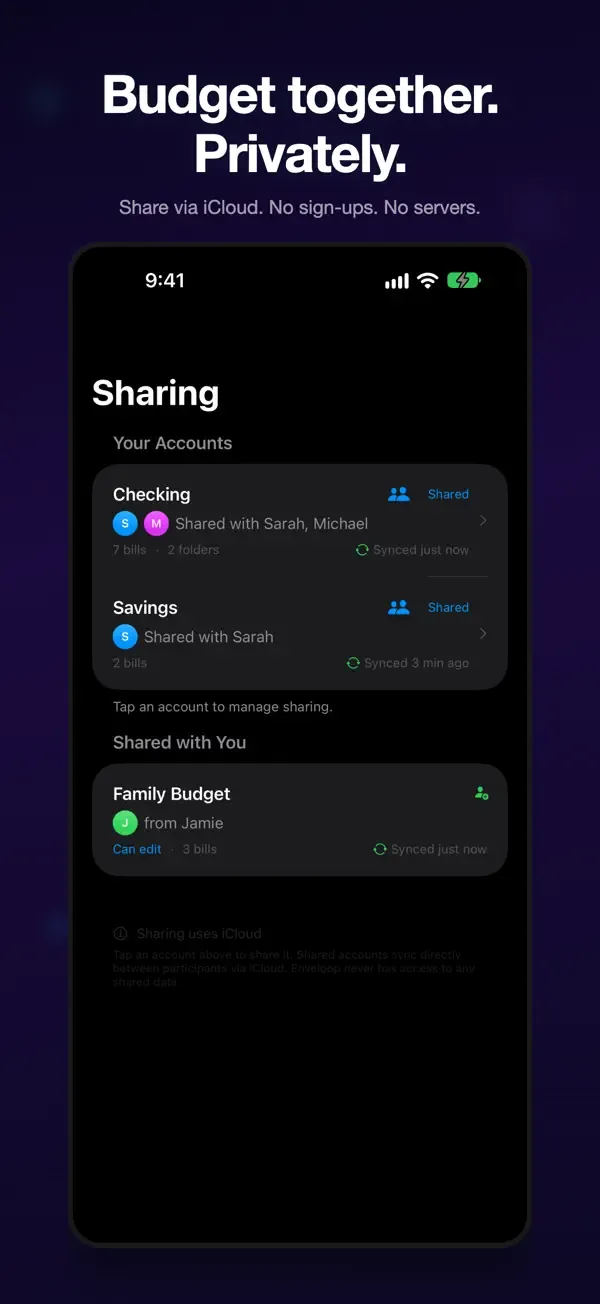
Budget together. privately.
Share a budget with anyone in your family. Everyone sees the same bills, and balances stay in sync. No extra sign-ups, no extra servers — it all goes through your iCloud.
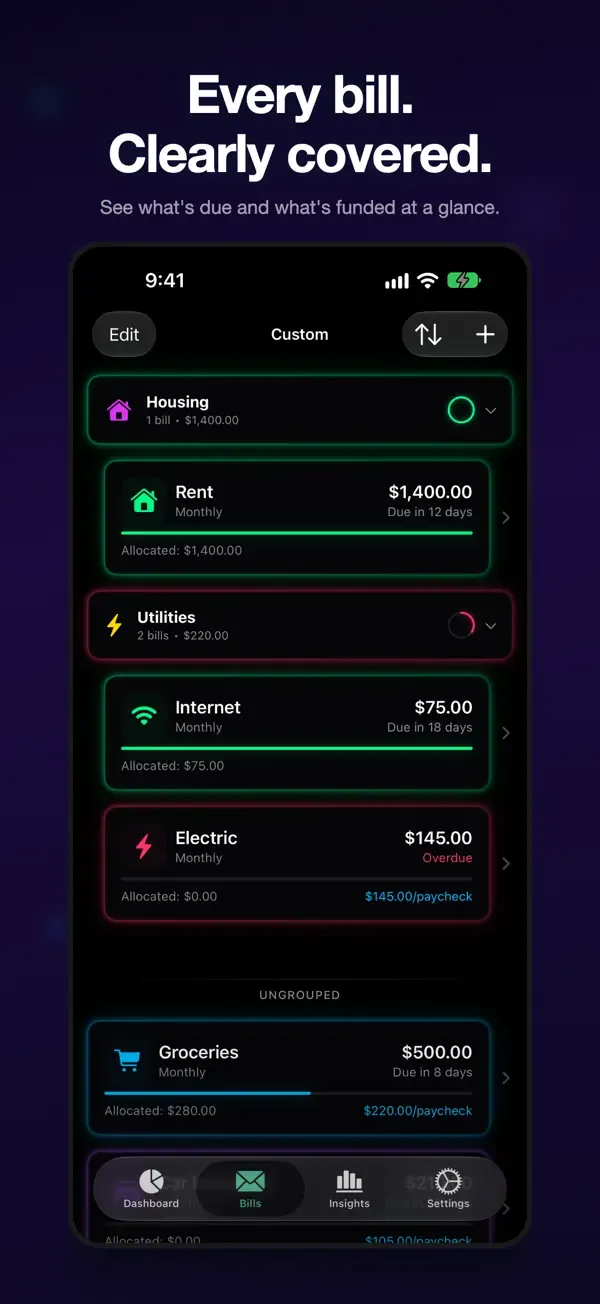
Stay organized your way
Group bills into folders — Utilities, Subscriptions, Home — with your own icons and colors. Sort by what's due next, by size, or drag them into whatever order feels right.
Every change. logged.
Every move is saved automatically. You can always look back and see what changed, when, and who did it. Withdrawals still waiting to clear the bank stay visible so nothing goes missing.
Try free. unlock forever.
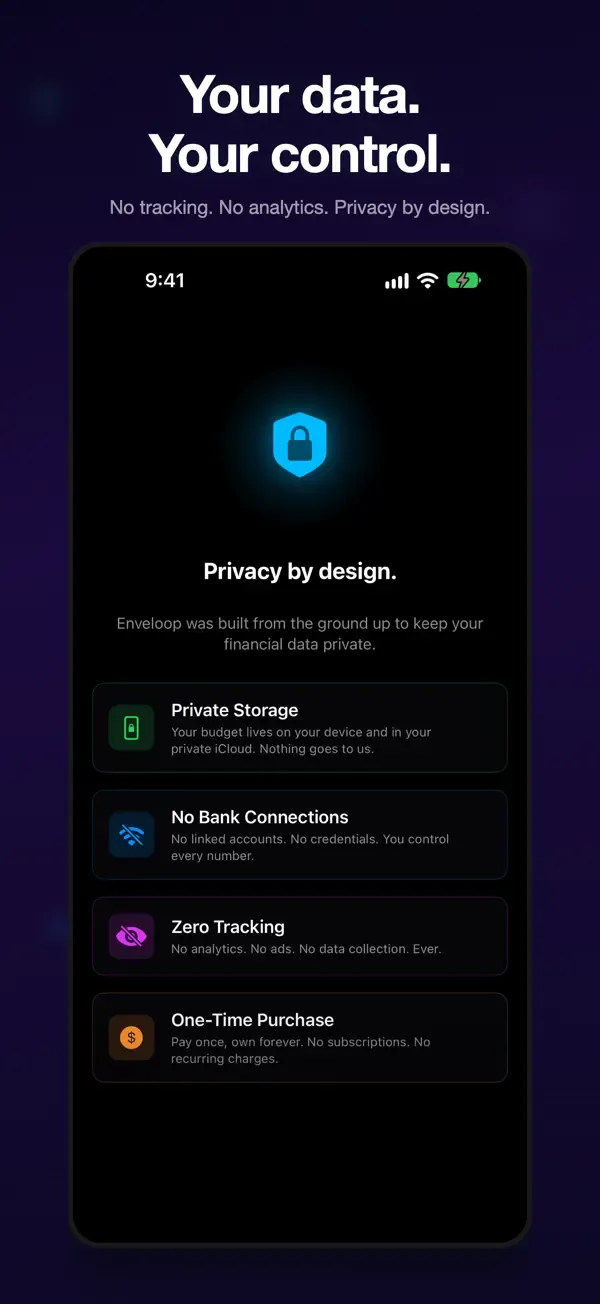
Start with a 2-week free trial — everything's unlocked, no strings. After two weeks, keep Enveloop forever for $4.99. One-time. No subscriptions, no ads, no auto-renew surprises.
Built for iPhone and iPad — looks sharp in dark mode, light mode, or both.
Support URL: https://kynossstudios.com/enveloop-support.html Marketing URL: https://kynossstudios.com/enveloop/ Terms of Use (EULA): https://www.apple.com/legal/internet-services/itunes/dev/stdeula/
New in 1.8.2
Easier to start, easier to read.
- Setup fits every iPhone. The Finish button stays on screen, even on smaller phones and at the largest text sizes.
- The price and Unlock button are on the first screen of the upgrade page.
- Large text wraps whole words instead of breaking them, on iPhone and iPad.
- A new budget with no bills shows Add Your First Bill right on the Dashboard.
- When a paycheck lands, your balance counts up to the new total. Reduce Motion skips the animation.
- Clearer buttons on each bill, better contrast on Quick-Fill in light mode, and the Insights balance chart no longer dips below your real balance.
 Shortfall
 Depositt
 Riffl