Daily word puzzle
Riffl
The daily two-word puzzle
Scan with your iPhone camera
- Price
- Free · Pro $2.99 once
- Requires
- iOS 17 or later
- Version
- 1.9.0, Oct 7, 2026
- Rating
- 5.0 ★ from 7 ratings
- Category
- Games
About Riffl
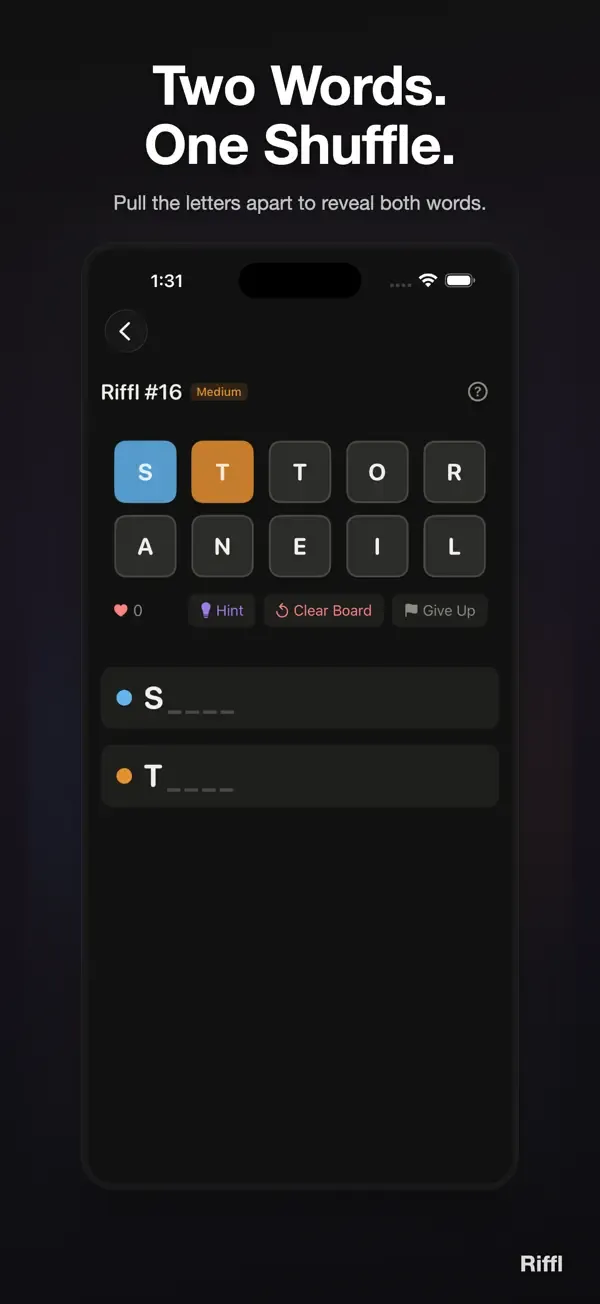
A new word puzzle every day. Two words, tangled into a single row of letters. Pull them apart, letter by letter, until both words come into focus. Two or three satisfying minutes of "aha."
The mechanic
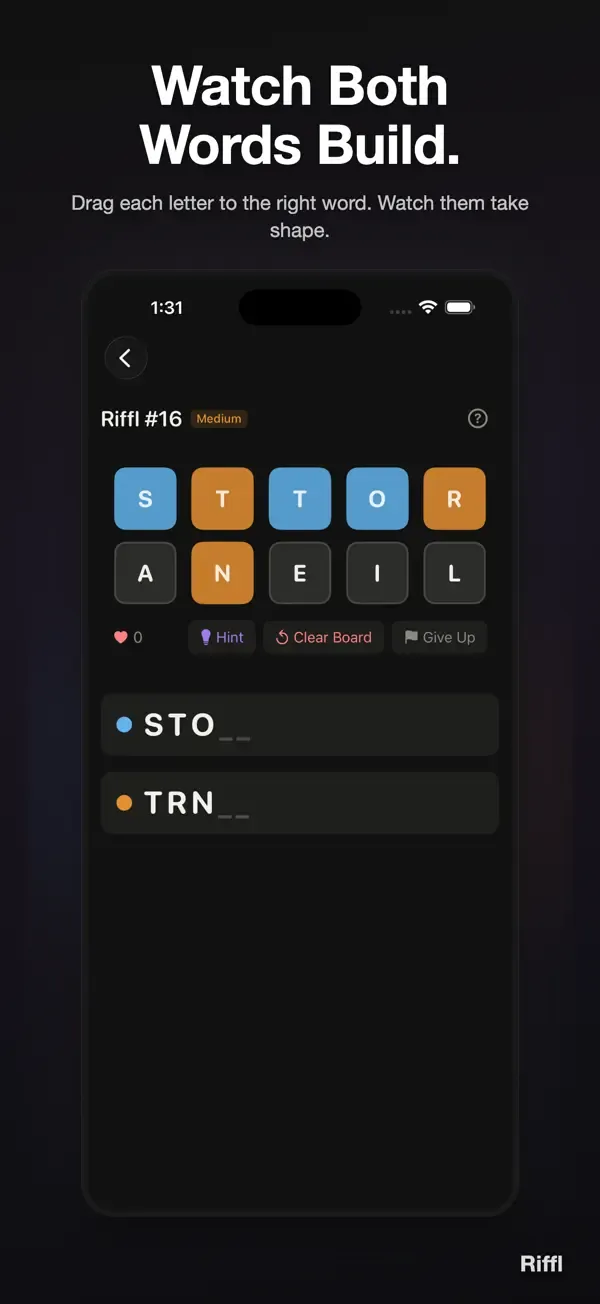
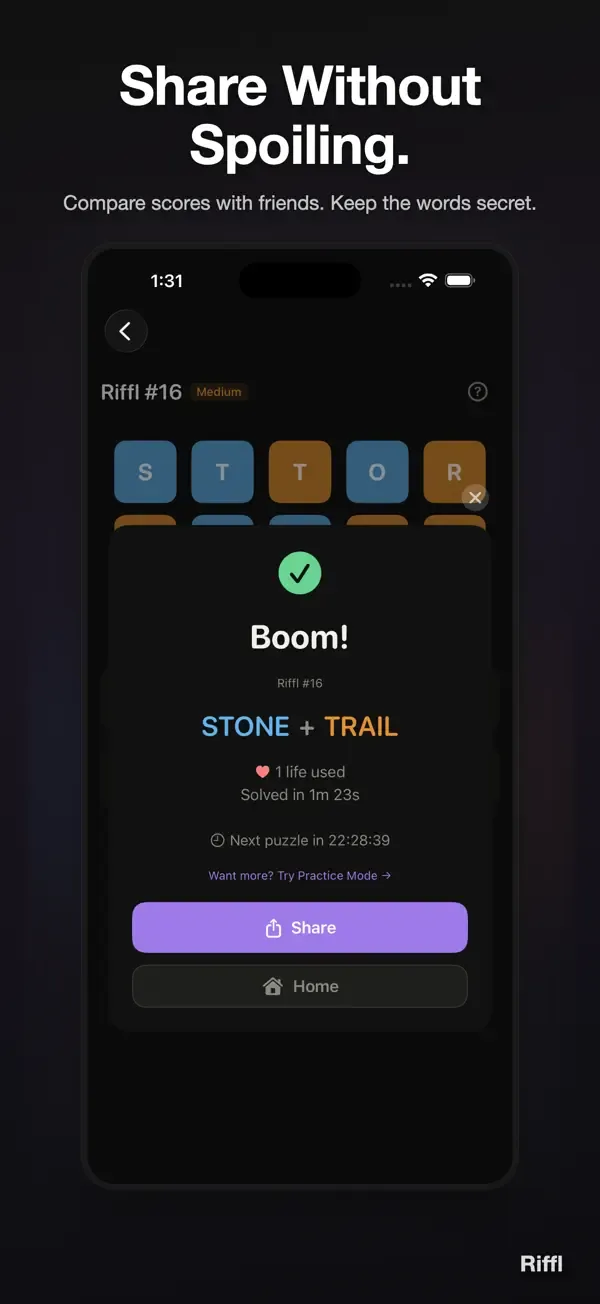
Two hidden words have been shuffled into one row. Each word's letters stay in the order you'd read them, so there's always a clean answer. Drag a letter to the blue or orange word to assign it. Watch both words build simultaneously in real time.
Wrong guess? Clear the board and try again. Each clear costs one life; fewer lives used means a better score. No time pressure, just you and the letters.
One puzzle a day
Everyone gets the same puzzle. Compare scores with friends without spoiling the answer. Share your result as a spoiler-free emoji pattern — blue and orange dots that show how you split the letters, without revealing the words.
A daily ritual
Like your morning coffee. One puzzle. Two to three minutes. A satisfying "aha!" moment. Then come back tomorrow.
Features
- Fresh puzzle every day at midnight
- Same puzzle for everyone worldwide
- Spoiler-free shareable results
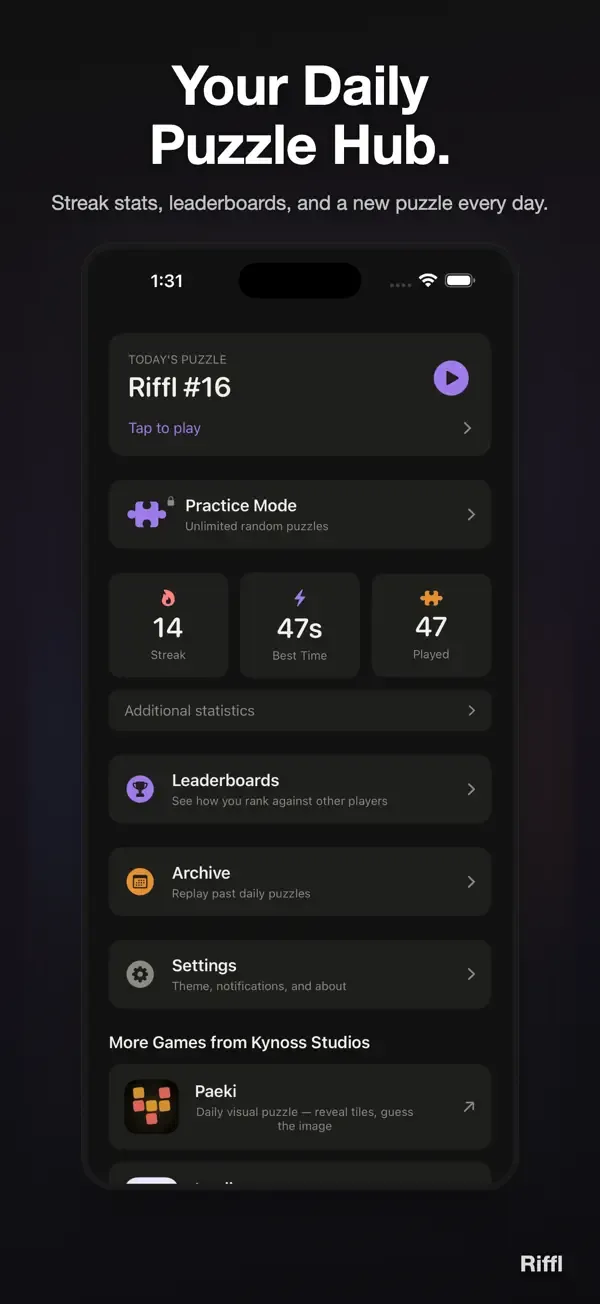
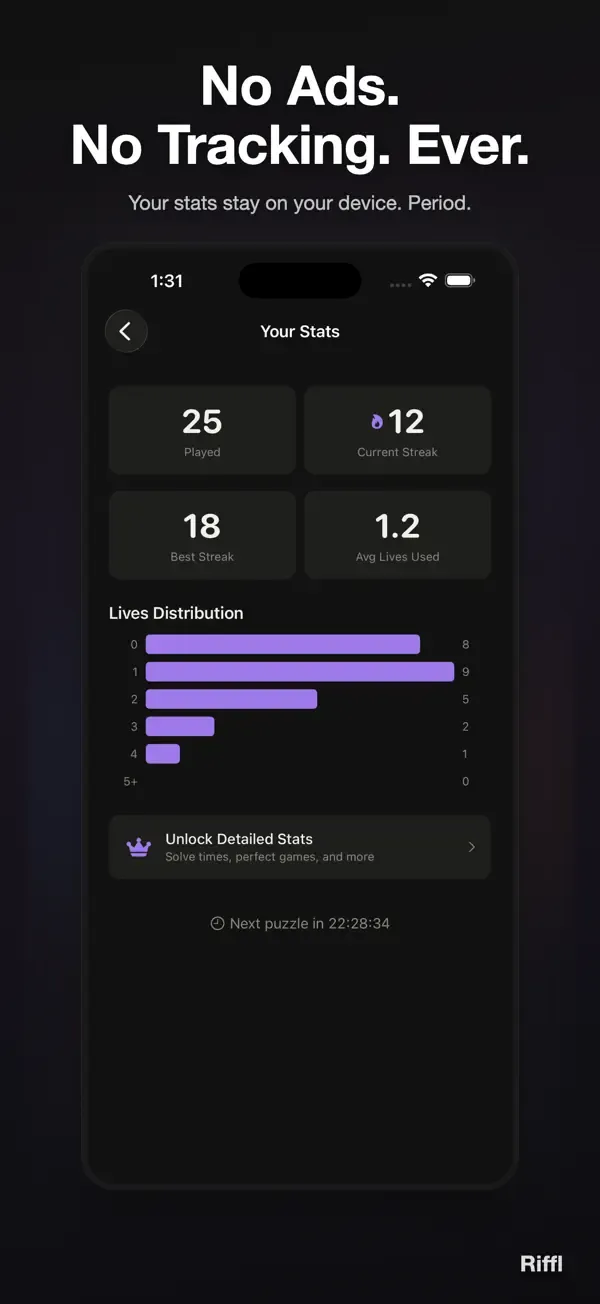
- Streak tracking and lives-based scoring
- Beautiful design in light and dark mode
- VoiceOver and Dynamic Type support
- Works completely offline
RIFFL PRO (optional one-time unlock)
- Practice Mode — unlimited random puzzles
- Puzzle Archive — replay any past daily puzzle
- Detailed Stats — solve times and averages
- Visual Themes — customize your tile colors
Built with care.
Terms of Use (EULA): https://www.apple.com/legal/internet-services/itunes/dev/stdeula/
New in 1.9.0
Designed for iPhone Duo's inner display: the letters sit on one side of the fold and the word trays on the other, and the results card stays clear of the fold, open flat or half open. On iPad and in landscape the tiles sit beside the trays, and Home, Stats and Settings read in a comfortable column. Folding or unfolding keeps your board and your place. A finished board no longer offers Hint or Give Up, and VoiceOver stays on the results card. Plus fixes for iOS 27.
 Paeki
Paeki Intuii
 Rusti
Rusti Tylde
Tylde