
Kids' art archive
Trovii
Every drawing saved, shared and made into a book
Get it on the App Store
Scan with your iPhone camera
- Price
- 3-day free trial, then $2.99/mo or $19.99/yr, or $59.99 once
- Requires
- iOS 26 or later
- Version
- 1.2.0, Oct 10, 2026
- Category
- Lifestyle
About Trovii
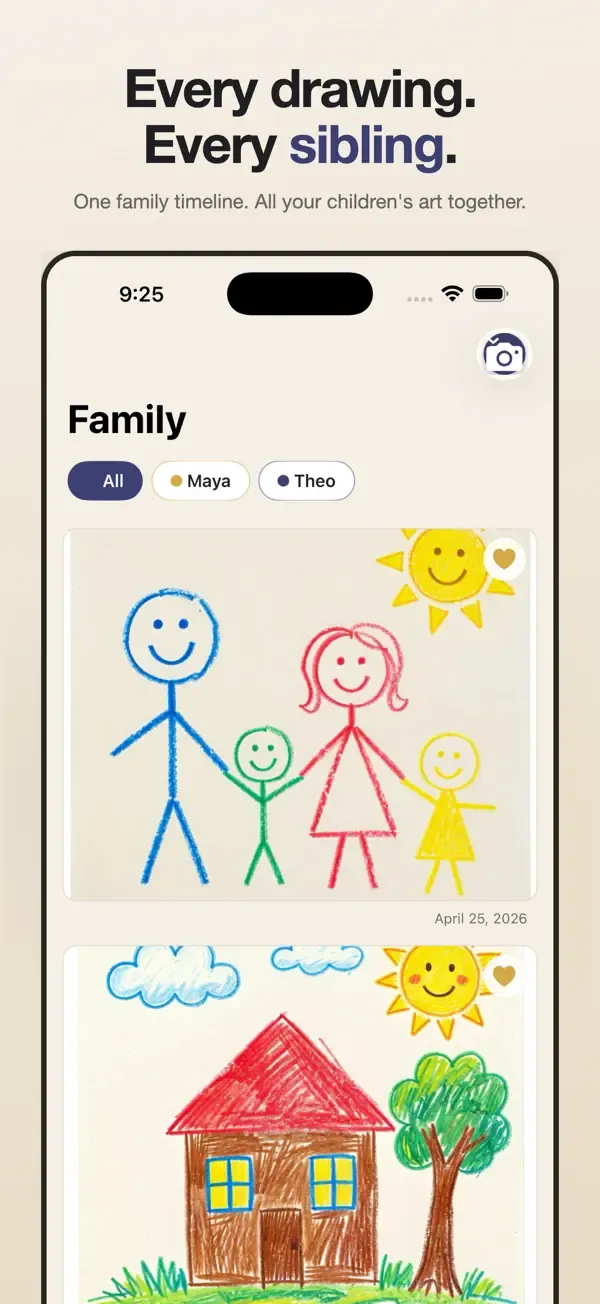
Save your children's artwork together in one family timeline, then turn each year into a beautiful photobook.
Trovii makes it effortless for parents of multiple kids to capture, organize, and preserve every drawing, painting, and craft your children make — without spreadsheets, paper bins, or yet another cloud account.
Why parents with multiple children love Trovii
- ONE FAMILY TIMELINE — see all your kids' artwork together, in chronological order. Filter to one kid when you want to. No more switching between separate per-kid folders.
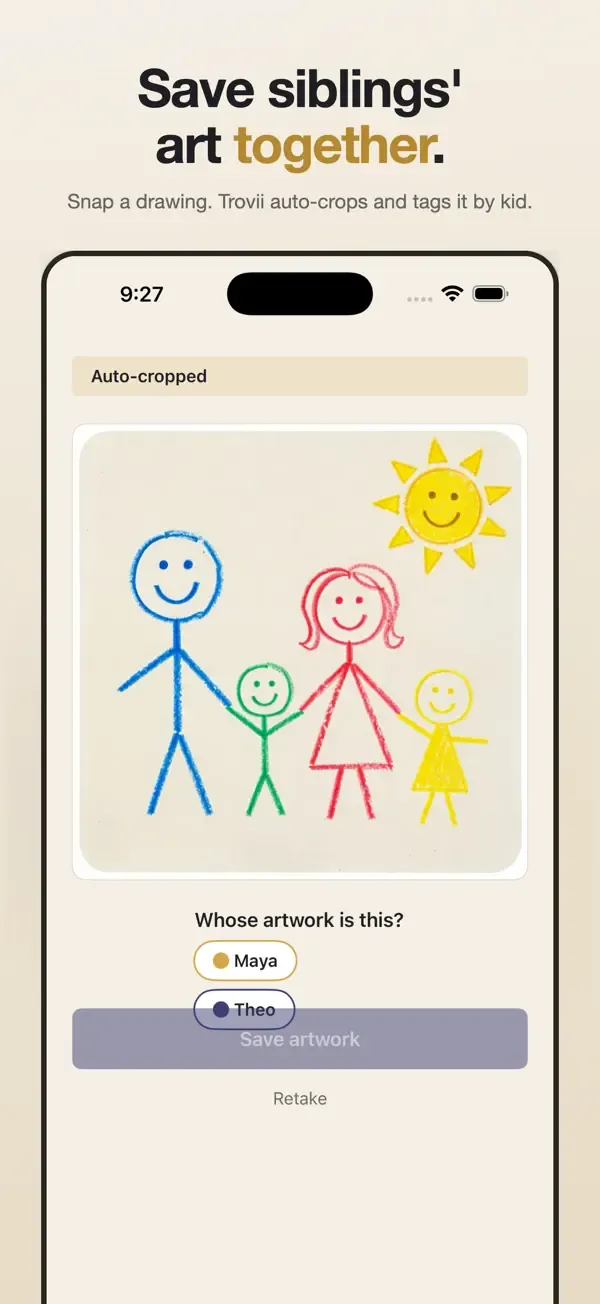
- SNAP AT THE FRIDGE — open the camera, snap, done. Trovii's on-device AI auto-crops the artwork from the surface (table, fridge, floor) so you don't have to. Single-handed, no signup.
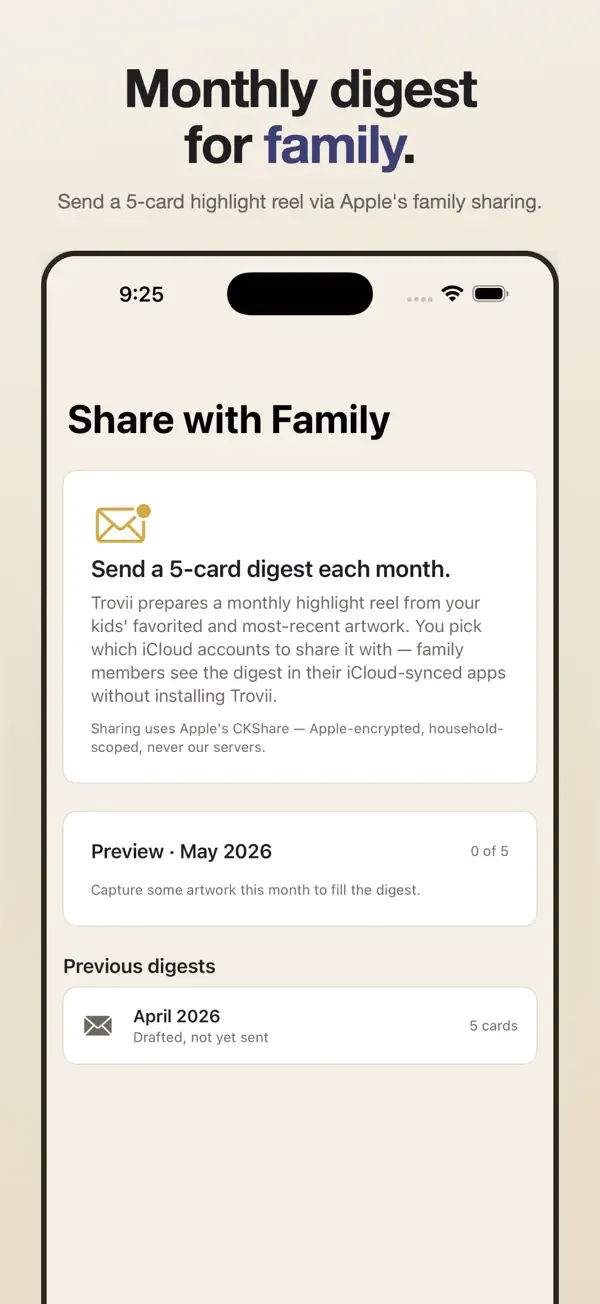
- FAMILY DIGEST — every month, Trovii prepares a 5-card digest of the family's best new artwork. Share it with family through Apple's secure family-sharing — they see it on their iPhone, no app to install.
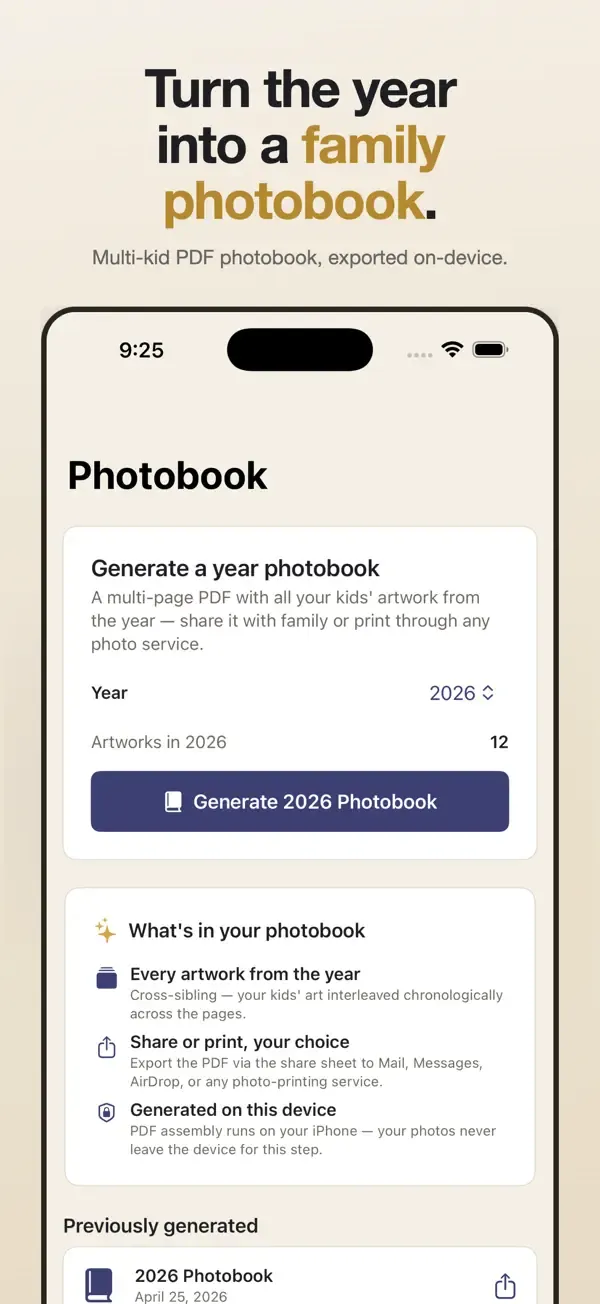
- YEAR-END PHOTOBOOK — at the end of every year, export a beautiful multi-kid photobook PDF. Share it, print it through any photo service, or save it as a digital keepsake.
- POLISHED, NOT PLAYFUL — Trovii is designed for parents who want a calm, gallery-style archive of their kids' creativity, not another chaotic photo app.
Pro membership
A 3-day free trial unlocks unlimited captures, sibling timelines, family digests, and year-end photobook export. Continue with monthly, yearly, or one-time lifetime — your choice. No upsells inside the app.
New in 1.2.0
Designed for iPhone Duo's inner display, plus a better photobook.
- Open a finished photobook right in Trovii and flip through it. On a wide screen it reads as a two-page spread.
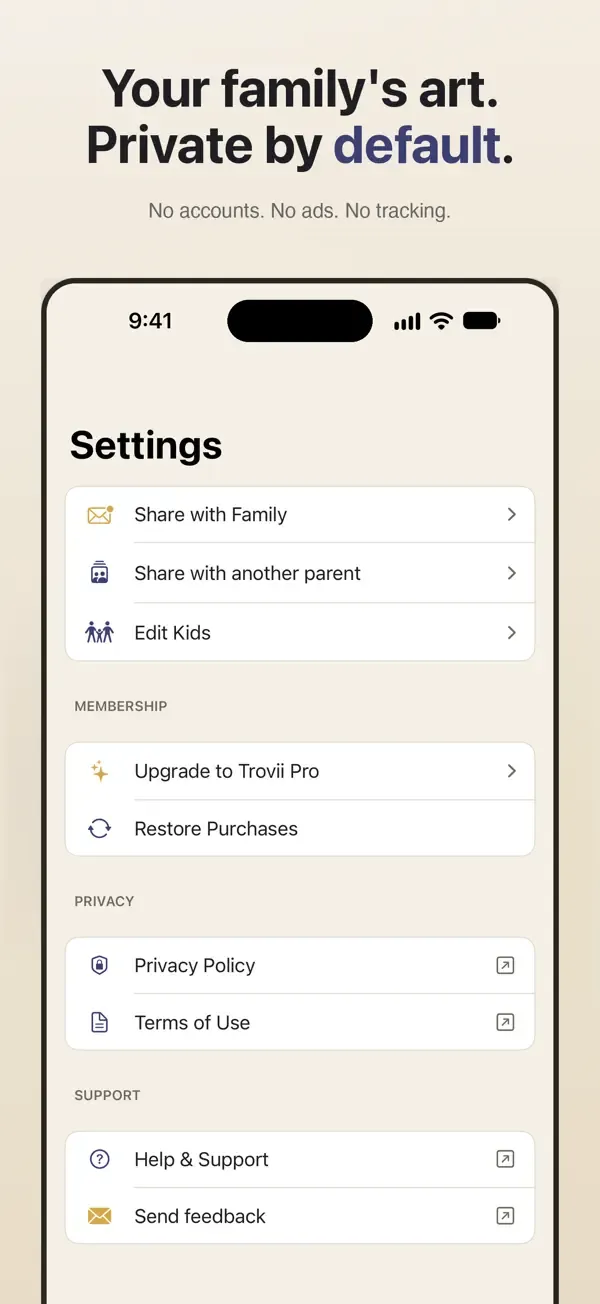
- On iPhone Duo's inner display your Family timeline gives each child a lane, and Settings, sharing and the Pro screen use a comfortable reading width. Folding or unfolding keeps your place.
- The Pro screen's buy button and Save artwork now stay in view instead of hiding below the fold.
- Photobook covers no longer read "The The Smiths", and sharing a photobook from your previous books works again on iOS 27.
- Smoother scrolling through months with lots of drawings, and Settings no longer freezes at the largest text sizes.
 HomeBaseAI
 Sirrius
 Primo
Primo