
Photo reports
Markki
Walk, snap, mark, send the PDF
Scan with your iPhone camera
- Price
- Free to capture · PDF export with Pro $4.99/mo or $29.99/yr, or $99.99 once
- Requires
- iOS 18 or later
- Version
- 1.2.0, Oct 12, 2026
- Category
- Utilities

About Markki
Snap photos. Drop numbered callouts on every one. Markki keeps the numbers in sync across your whole report, even when you reshuffle photos.
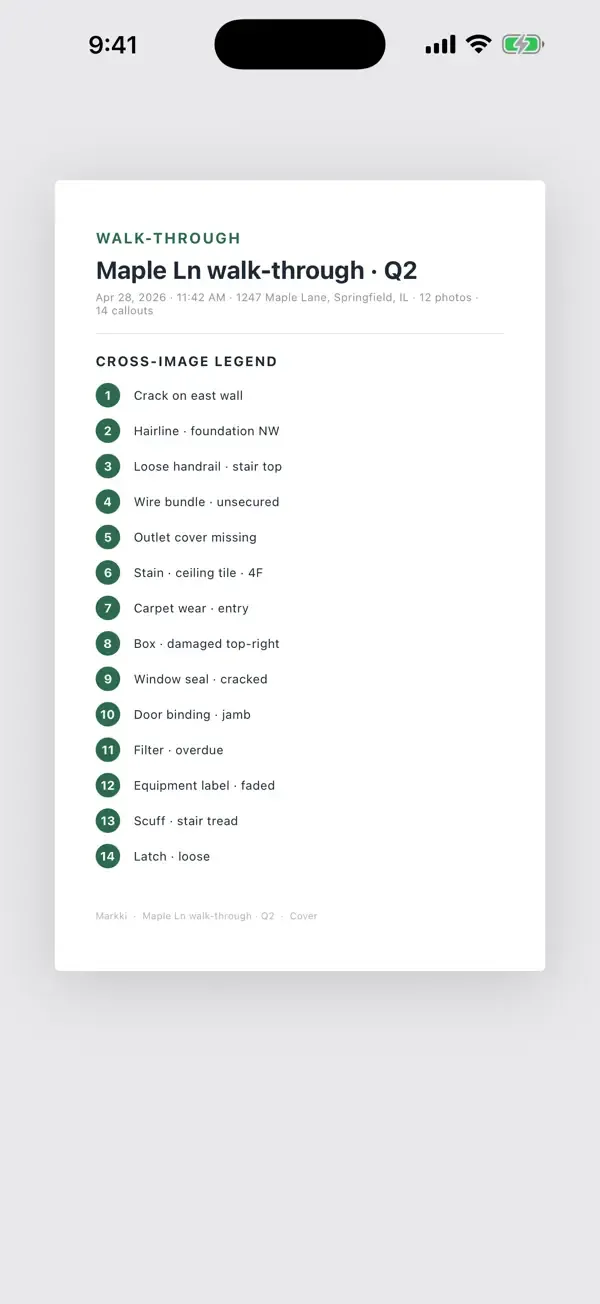
One numbered legend, across every photo
Most apps restart the numbering on every photo, so you end up with three different "callout 1"s and a confused reader. Markki keeps callout 1 as callout 1 whether it's on photo 1 or photo 23, and builds one numbered legend on the PDF cover. Reshuffle photos? Numbers stay where you put them. Add a photo to slot 4 of 12? The legend updates itself.
How it works
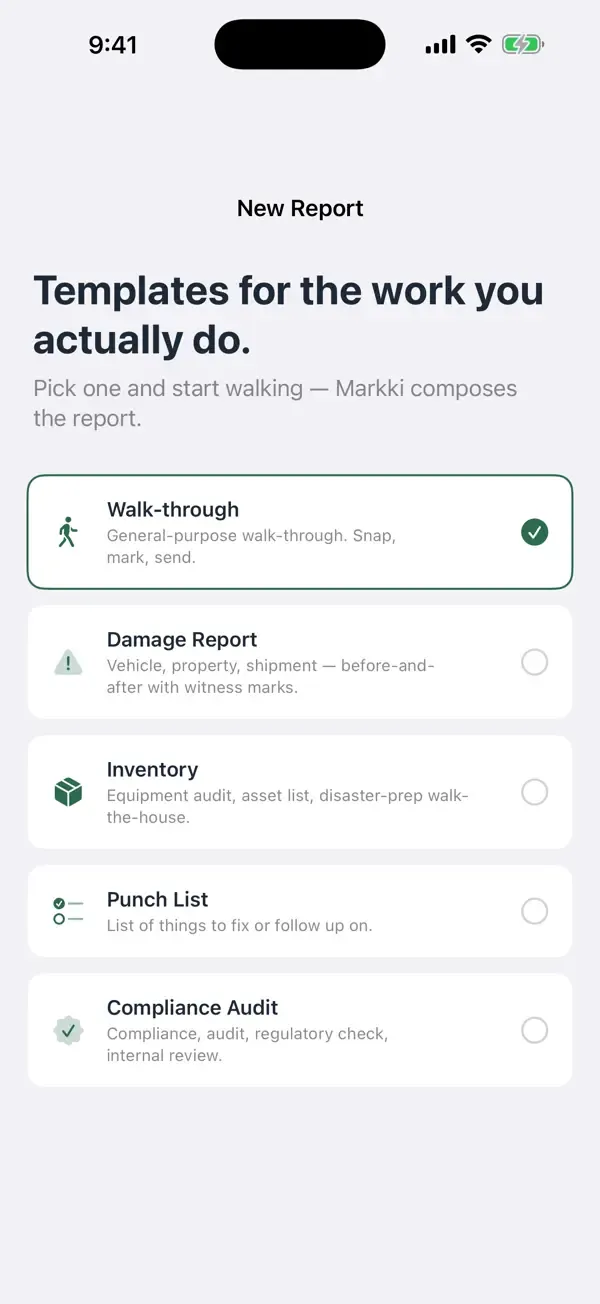
- Pick a template — Walk-through, Damage Report, Inventory, Punch List, or Compliance Audit
- Snap photos (or pick from your library)
- Tap a photo to drop a numbered callout. Type a label, or tap one of the template's suggestion chips.
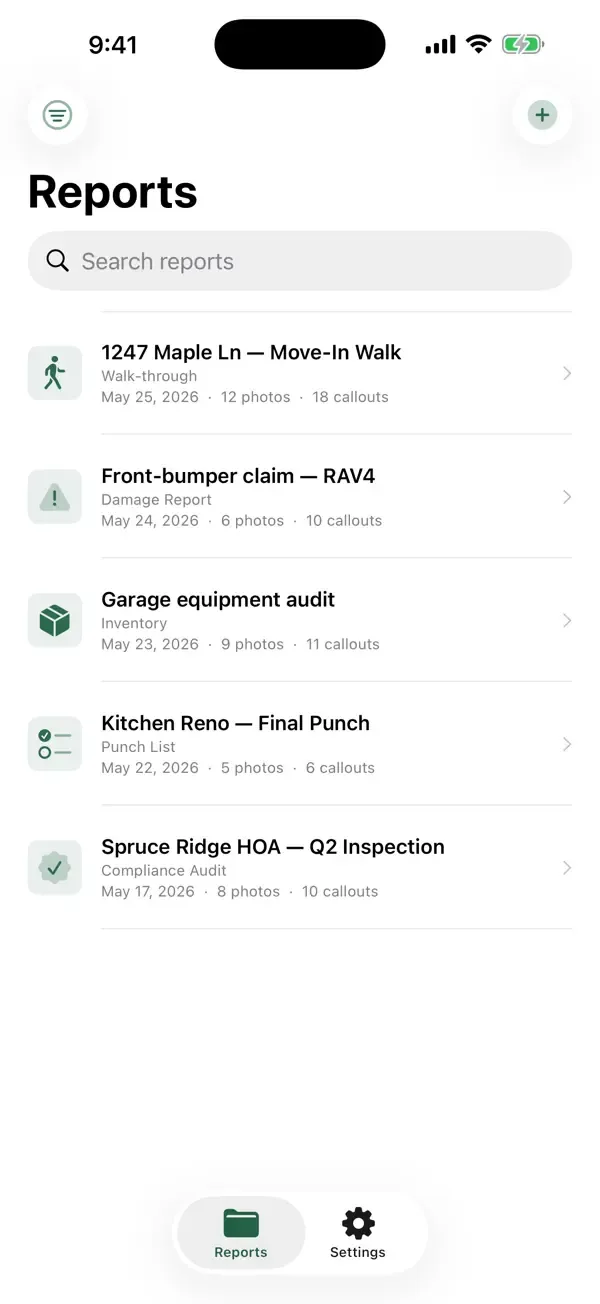
- Tap Export — Markki builds a multi-photo PDF with a cover, photos, and one numbered legend
- Share via the iOS share sheet (email, AirDrop, Messages, Files)
Who it's for
Anyone who needs to send photo reports. Real estate walk-throughs, vehicle damage claims, contractor punch lists, equipment audits, classroom critiques, art portfolio markup, before-and-after shots, training materials, warehouse inventory checks, HOA compliance reviews. If you take photos and need to send numbered notes as a clean PDF, Markki turns thirty minutes of edit-and-renumber into five minutes of point-and-tap.
Location tags, when you want them
Switch Location tags on and your PDF gets a map page with a numbered pin for every photo, so the person reading it can find each spot without a phone call. Switch it off and no address, coordinates or map appears anywhere in the report. Apple turns the location into an address and draws the map; Kynoss Studios never receives it.
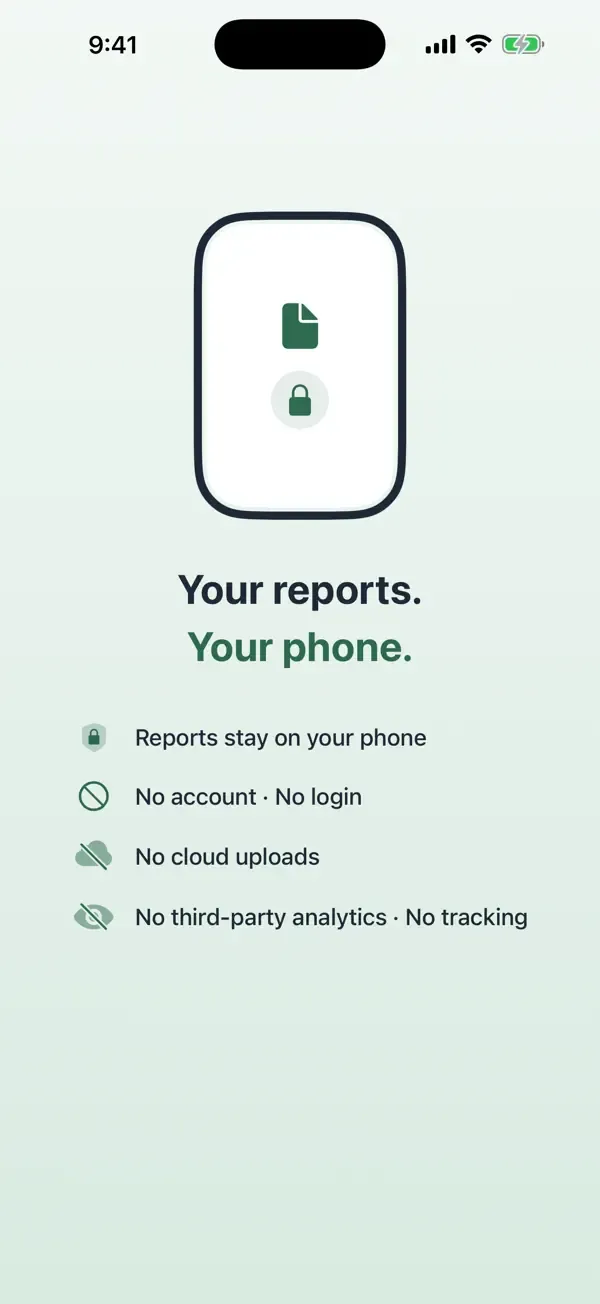
Your reports stay on your phone
One Pro, three ways to pay
Same Pro experience whether you pay monthly, yearly, or once. No premium tiers, no upsells. Five templates, ready to go.
Terms of Use (EULA): https://www.apple.com/legal/internet-services/itunes/dev/stdeula/
New in 1.2.0
Show exactly where every photo was taken.
- New Location tags switch. Turn it on and your PDF gets a Photo locations map page with a numbered pin for every photo, so whoever opens the report can find each spot without calling you
- Turn it off and no address, coordinates or map appears anywhere in your report, and Markki records no location for new photos
- Set it once in Settings, or override it for a single report
- Apple turns a location into an address and draws the map. Kynoss Studios never receives it
- A simpler review request: Markki now uses Apple's standard prompt, and Settings has a Support & feedback link
 Sievr
Sievr Riffl
Riffl Paeki
Paeki